
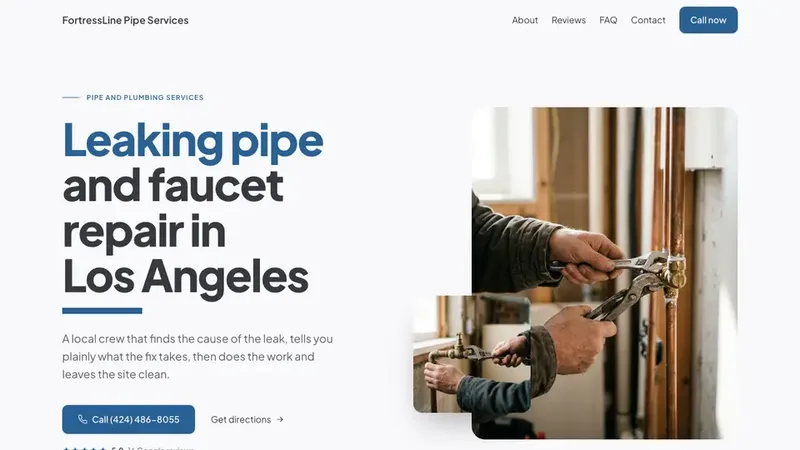


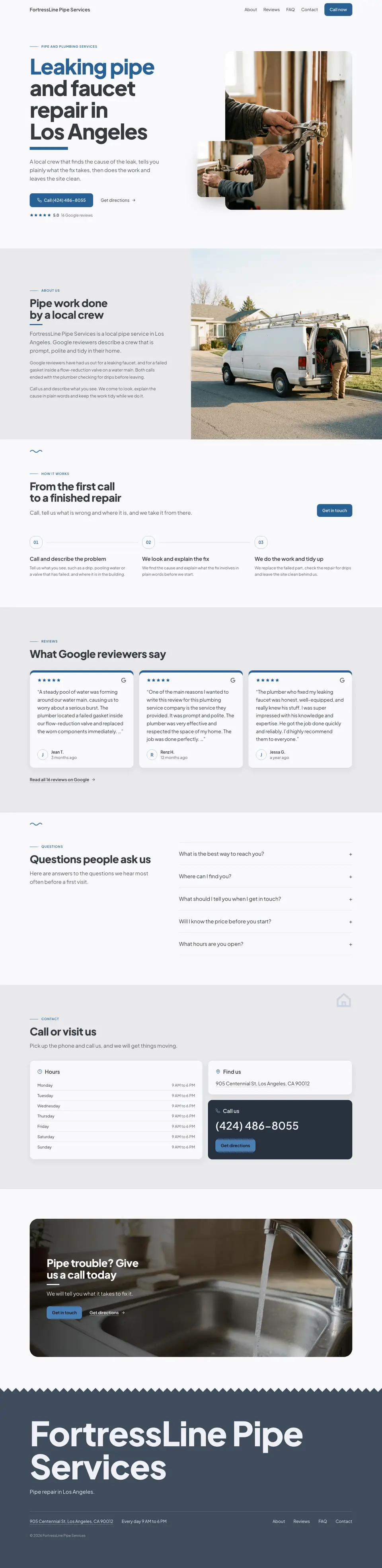
The AI website builderthat starts with the client.

There is no prompt to write: press Generate website on a local business and SiteSeeker reads that listing, plans the sections, designs for the trade, writes the copy, places the imagery, and publishes to a live address with SSL.

siteseeker.ai/dashboard

The brief

You never write the brief. The listing is the brief.

Every field a business already publishes is a decision the builder no longer has to guess at.

Business listingWhat you found

CategoryCoffee shop, bakery
CityBrooklyn, New York
Opening hoursMonday to Saturday, 7 to 4
Phone(718) 555 0148
Rating and reviews4.8, from 212 reviews
Listing photosThe shop, the counter, the work

Section planWhat it builds

Hero

What they do, above the fold.

Service area

Where they are, and who they are near.

Hours

Today first, the rest underneath.

Contact

A tappable call row in the header.

Reviews

Their customers, in their own words.

Gallery

Checked for relevance, then placed.

Then the rest of the plan: services, about, the map, the call to action, the footer. Ten-plus sections, laid out for desktop and mobile in the same pass.

Illustrative listing. A real build reads the business’s own, and you write none of it.

The build

Watch it work, step by step.

The builder says what it is doing while it does it, and stops on a live URL rather than on a download.

Build logStreams while it builds
  1. Plan

    Ten-plus sections chosen for this kind of business, in the order one of their customers would read them.

  2. Design system

    A palette, two type families and one section rhythm, derived from the trade and from the photographs it found.

  3. Copy

    Every line written for this business, in its own voice. No placeholder paragraphs to go back and fill.

  4. Imagery

    Photographs gathered and checked for relevance before they are placed, section by section.

  5. Publish

    A live siteseeker.app address, with the SSL certificate issued for you.

Build completeMinutes, not weeks

cafedulce.siteseeker.appLive

  • Ten-plus sections, laid out for desktop and mobile
  • Free SSL, issued and renewed. A custom domain on every plan
  • The code, open to you whenever you want to work in it

Illustrative build log. Build times and results vary with the project.

Your tools, working together

From “no website”
to “take a look.”

One workspace for the whole project.
Take a look around.

A quick tour of your next client project
SiteSeekerWorkspace Find the leadInteractive example
LEAD FINDER

Good businesses.
Room to grow.

Brooklyn, NY
Local businesses in BrooklynNo website
BUSINESS OVERVIEWNo website

Fieldwork Gardens

Landscaping · Brooklyn, New York

4.986 reviews
A first website starts here.

A local presence. Happy customers. A chance to put it all online.

The next project is out there.

Search by city and trade. See the business details, reviews, and website status before you reach out.

Recreated interface.
Fictional sample data.

The look

Two trades, two design systems. Neither one is ours.

The palette, the type and the section rhythm come from the business and its photographs, never from a framework’s default swatches.

A bold palette that puts the work in focus.

Palette
Ground#121317
Chrome#212430
Accent#DE3B26
Ink#F3F4F6
Type pairing
Condensed grotesque and Neutral sansBack on the road today.

Diagnostics while you wait. Same-day brakes, tires and exhaust.

Where the colour comes from. A near-black ground with exactly one hot accent, and the vehicles in the photographs supplying the rest of the colour.

  • Colour is derivedFrom the material the business works in, the vehicles in its bay, the sign over its door, or the photographs the builder actually fetched.
  • Two families, two jobsA display face and a reading face, each with a stated job. A third only where it has one, and a family with no job is a family the builder deletes.
  • One rhythm, heldOne shape taken from the trade’s own material, stamped at every section seam. Or no dividers at all and a value ramp instead. Never a flat stack of identical bands.

Illustrative directions. Switch the trade to change the design system the builder starts from.

The edit

Say it. The section changes.

A client’s note becomes a sentence instead of a ticket. The builder rewrites that section in place and shows you the result.

BeforeHero section

make the hero photo the owner, not the truck

AfterOne sentence later

Illustrative site and edit. The same sentence works on the copy, the palette, the photography or the layout, and you can open the code directly whenever you would rather work there.

Every build kept.

Nothing is overwritten. Each generation and each edit is a version you can open, compare and roll back to, so the one the client liked is always still there. The published site stays live until you promote another.

v1Tue
v2Yesterday
v320 min ago

v2 · Yesterday

A different business. A different look.

Small business.
Big first impression.

Twelve businesses. Twelve different personalities. Explore what a new website could look like for your next client.

12 website design concepts

Compared

Other builders start from a prompt. This one starts from the client.

The site is the middle of the job. Finding the business, hosting the result and getting paid are the rest of it, and they are in the same app.

A row-by-row comparison. Left column: A prompt-first AI builder. Right column: SiteSeeker.
Find the client somewhere else, then open the builder with a blank page.The lead finder and the builder are one app. The business you found is the brief.
Write the prompt yourself: the business, the tone, the sections, the style.No prompt. The builder reads the listing: industry, city, hours, phone, rating, reviews.
A house style every site shares, and stock imagery you go and find.A design system chosen for the trade, copy written for the business, imagery placed for it.
Export the build, buy hosting, point the DNS and sort out the certificate.A live siteseeker.app URL on publish. Custom domain and SSL included.
Revisions in a chat that has forgotten the client by next week.Edits by typing a sentence, every version kept, roll back to the one they liked.
Invoice the client from a third tool and chase the payment yourself.Set a one-time price and a monthly fee. The client pays through SiteSeeker.

Pricing

The builder is in every plan.

Website builds draw from your plan’s monthly AI credits. Hosting, custom domains, SSL and client payments come with every plan.

Two months free with yearly billing.

Your first clients

Pro

Start something of your own.

$25/ month

Billed $75 quarterlySave 14%

Included in your plan

search credits
200
AI credits
100
hosted sites
50
Start with Pro

Billed $75 quarterly · 90 days to close your first client

Everything to get your first project going

  • 100 recency credits / month
  • Advanced search + Google rank position
  • Lead quality scoring & custom tags
  • Bulk actions & exports
  • Sell websites to clients
Your whole team

Agency

A plan built around your business.

Let’s talk.

Custom volume. A rate that fits.

Room for the way you work

Your team.
Your volume.
Build your plan

Volume pricing & dedicated infrastructure

Everything in Max, tailored to you

  • Custom search, AI & recency credits
  • Custom project & hosting limits
  • Dedicated account manager
  • SSO, SAML & DPA available
  • Volume discounts
IN EVERY PLAN
  • AI website builder
  • Custom domains & SSL
  • Managed hosting
  • Client payments

Before your first build

How the builder works.
Asked and answered.

Everything to know before you press Generate website.

A complete website, not a template with blanks. From the business listing (industry, city, hours, phone, rating and reviews) it plans ten-plus sections, applies a design system that fits the trade, writes the copy, places the imagery and lays the site out for desktop and mobile in one pass.

Your next client has no website.Build them one this afternoon.

Find the business, generate the site, send the preview. Hosting and payment are already waiting on the other side.